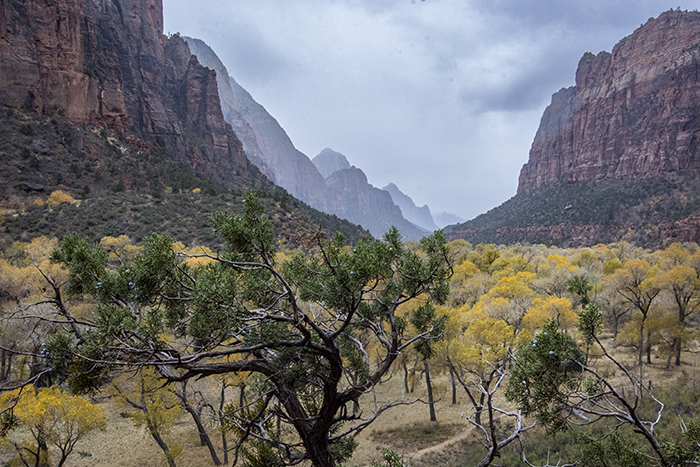
Travel in the fall and you get weather. Sometimes it’s good, sometimes it requires adjustments: adjustments to plans and plans for clothing adjustments. Most importantly, attitude adjustments. You gotta go with the flow. The flow at Zion National Park was cloudy and rainy with a chance of snow at higher elevations. Our temperatures in the 40’s and 50’s made good hiking weather and hiking is a good part of what Zion National Park is all about. The hiking was great, but the clouds required some of those afore mentioned adjustments to make good photographs.
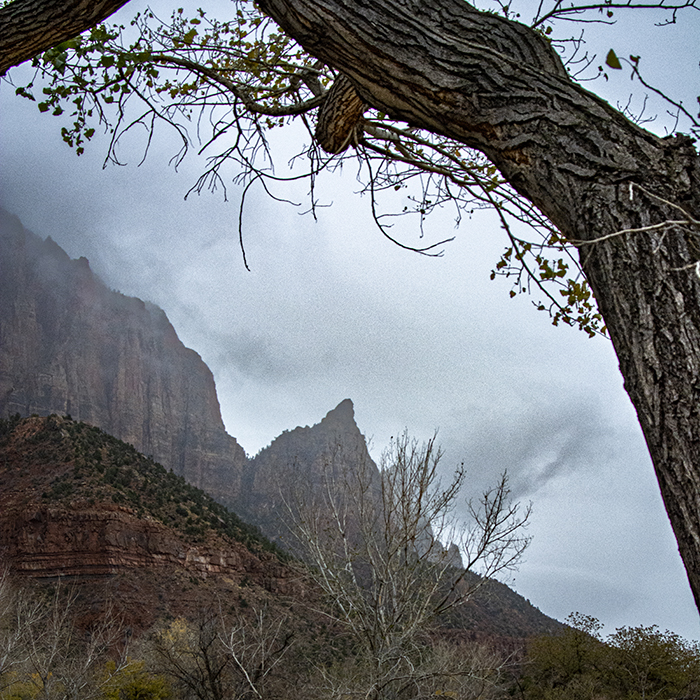
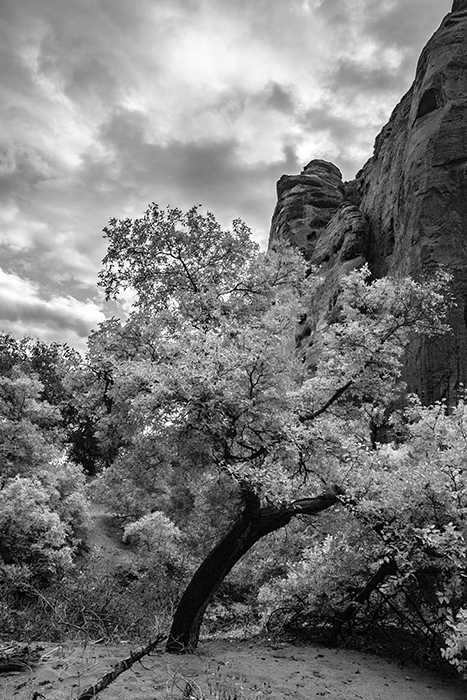
For a photographer, clouds are a double-edged sword. On the one hand, the sky becomes a big soft box and erases harsh shadows and bright light. No monster light with big shadows from noses and chins. Faces are evenly lit, and colors muted.
On the other hand, light reveals definition. For example, delineation and texture on the cliff face and the stand-apart spires are revealed and highlighted by light and shadow. The color of the light changes throughout the day. The beautiful red cliffs of southern Utah are best revealed in the late afternoon sun when everything becomes amazingly soft and orangish (warm in camera speak). I hoped the clouds would move on and we could end at least one day with a clear sky.
Today in part one I’m looking at the early part of a week I recently spent at Zion National Park and surrounding St. George, Utah. We started our journey under cloudy, rainy skies. The weatherman promised us sun the rest of the week so this might become the prefect journey with an opportunity to use both lighting conditions.
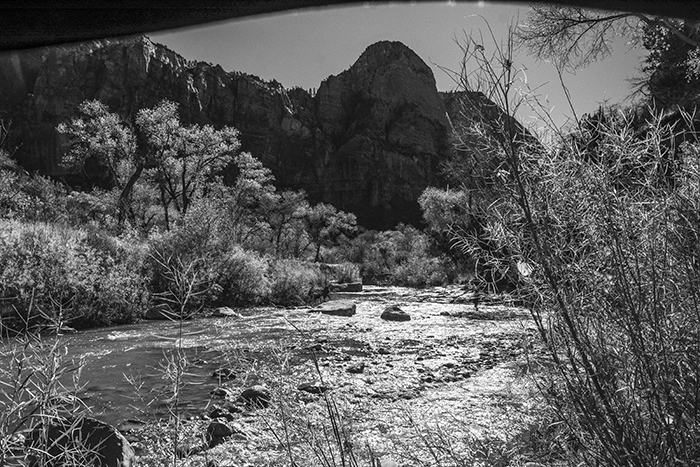
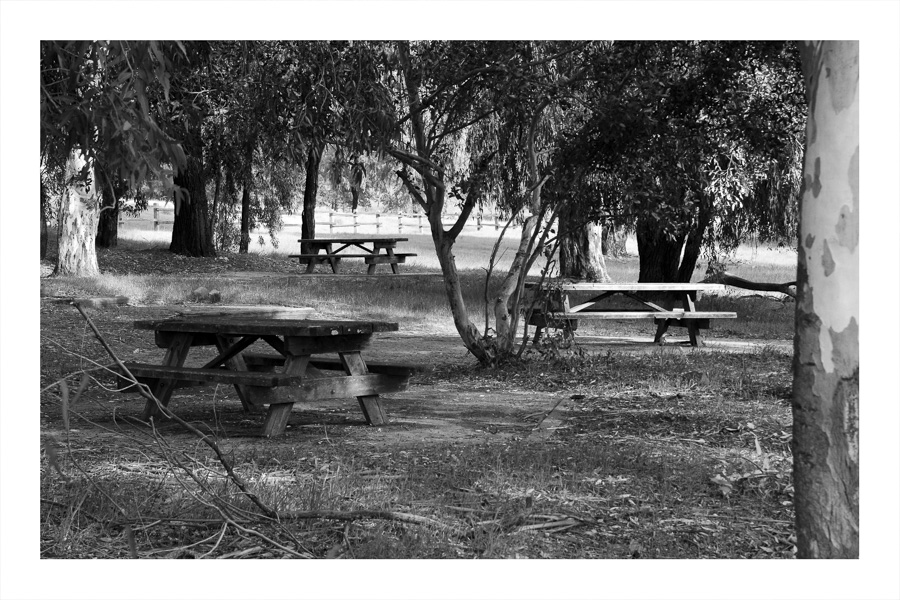
One “trick” when the weather gets bad is to go to black and white. With it’s emphasis on tone, shape line, it can help the photographer find a picture the the muted colors hid.
Want a sneak peak? Here is the gallery I’m posting photos from my recent trip to Bryce Canyon and Zion National Park. https://www.davewaltersphoto.com/Landscapes/Zion-and-Bryce-Canyon-National-Parks. Reach out if you see something you like.
Camera tips: I shot in RAW/NEF because the lighting conditions were so challenging. Using Lightroom and the new masking option, selecting small parts of the image or having the program select the sky (marvelous!) I was able to make small adjustments without going to Photoshop and using the masking and layering options. I set the camera to backup JPEG-Normal just in case the main card failed, but I haven’t downloaded those files and likely won’t as my options in RAW are so much greater. The larger files were well worth the post processing opportunity.
I used a circular polarizer to accent the colors. If you are not familiar with the benefits of this filter, I recommend you pop “Cricular polarizer” into your browser of choice and read up a little. The polarizer helped make the yellow cotton woods pop and helped separate them from an otherwise flat landscape.
You might have noticed I don’t post on a set day of the week. Instead of making up content, I write when I have been some place or am reminded of a trip that is worthy of space on the electronic page. Why not subscribe? You’ll be notified in your email when a new post shows up.

 Talkin' about the past, photographing the present