A few days ago I was watching some YouTuber talking about taking photos in black and white. He was using a small point and shoot sized camera and filmed himself going around his community in England snapping pics. I suspect he was using an Olympus Pen or similar sized camera, although he struck me as someone who wouldn’t be using a something ten years old.
He went on about having used kodachrome and velvia back in the day and how he fell in love with the oversaturated colors of transparency film., especially classic velvia 50. At some point in his career he was suddenly attracted to monocrome. He wasn’t shooting film anymore, he had already moved into the digital era. Shooting monocrome (one color) in the difital era is a bit different than shooting black and white film in any era. Primarilly because a digital camera only shoots in color. The author of the video uses this to his advangage. He shoots in RAW even though he intends to create a black and white image. Sometimes uses his camera’s monocrome setting to help him visualize how it will appear in black and white, but he doesn’t like the JPEG file, he wants a RAW file. Scanning a negative in TIFF is the hybrid film shooter’s version of using a digital camera’s RAW file. The next day I started thinking about my workflow with film, which I still shoot quite a bit.
I had about half a roll of Fujicolor 200 in my Nikon N80 35mm camera so I decided to go out in the neighborhood and take a few photos. Even though I knew I wasn’t shooting black and white film, my intention was to convert the images to black and white in Lightroom after development and scanning. Not unlike the YouTuber, in the hybrid digital era my color negatives would act as RAW files after they were scanned into Photoshop. Intention, or as Ansel Adams called it previsualization, is the first step to creating black and white photography.
I’ve got three keys to unlock your ability to shoot for a black and white print, intention is the first key. It takes a while to see the world in shades of grey instead of color. We are used to how color draws our attention and creates separation in a scene. Intention to create a blck and white image means looking for lines and form. Because black and white images aren’t natural, the eye is drawn to shapes and contrast, things that might get lost because they are dull or blend together in color. I guess you could think about it like a smash burger photo, if you’re into that kind of thing.
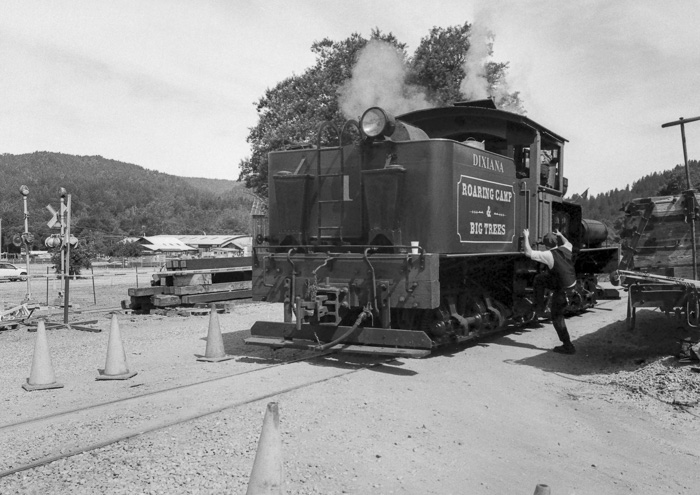
The second key is to look for contrast. I mentioned in a previous post about Death Valley Junction that I knew I would be using the black and white (monocrome) setting on my camera because it was midday and I wanted the strong contrast to be an element of the scene. When using color I want the shadows to create separation or point to some specific aspect within the frame. When shooting in monocrome, shadows and contrast are part of the subject. They are both a tool and a subject at the same time. I use the darkness, especially dark black, as a compositional element.
Texture is the third key I want to focus on when you intentionally go out shooting monocrome photography. High texture areas of a scene like wood grain or peeling paint are highlighted when our eyes aren’t distracted by color. This changes the focus or feel of the image. Consider rust, in black and white it creates patina, adding value. In color rust makes the subject look old, useless, and thrown away.
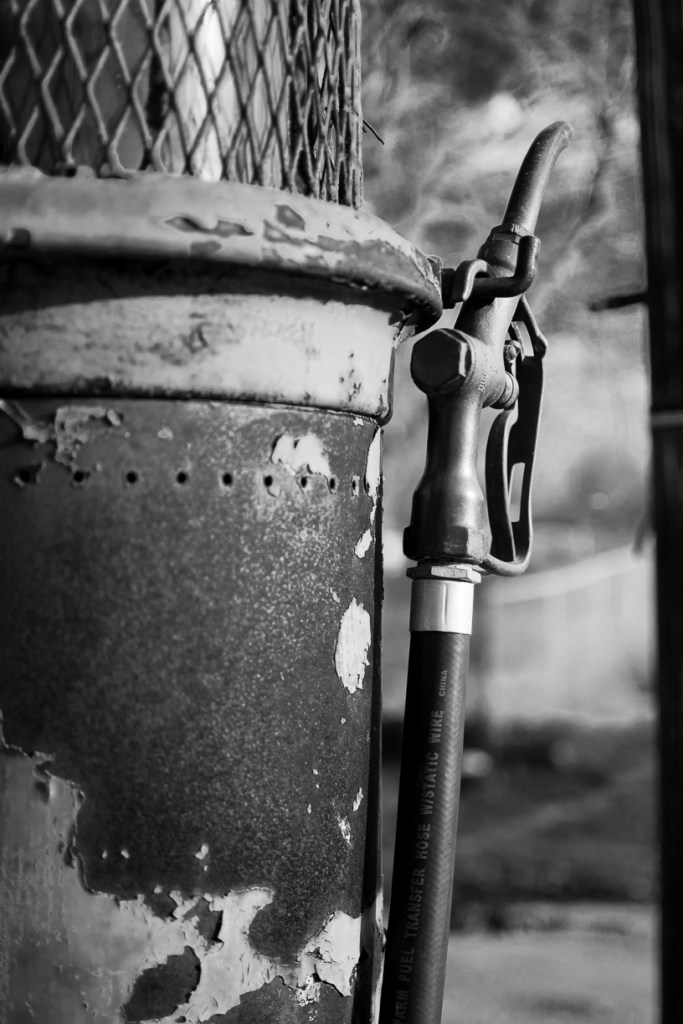
Rust in black and white photography adds character. In color this old gas pump just looks old and useless.
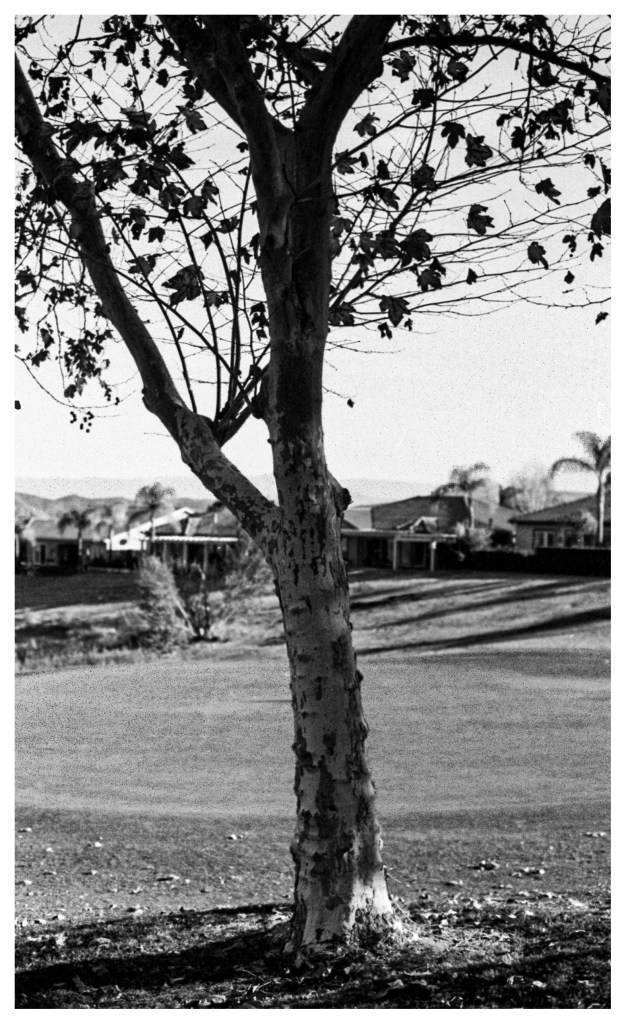
Even though I had color film in my camera, my mind was shooting black and white film and my intention changed to match. Shooting color gave me another tool as I walked around looking for scenes I though would be best in black and white. When using black and white film I carry a couple of filters with me, always red, sometimes yellow and orange. The filters allow me to pull out clouds, emphasize skin tone or highlight a specific aspect of the scene. Fortunately for us, when using color film Photoshop becomes my universal filter set to make those same decisions. Color sliders within the black and white mode allow me to exagerate or minimize the effect of red, blue, yellow, and other colors and achieve the same results when using filters on location. Walking around a local golf course, I was thinking how I would used those sliders later use in Photoshop.
Embeded within the menu system of your digital camera is an option to choose a filter when using the monocrome setting. The camera tweaks the red channel if you choose the red filter. Think of it as “getting it in camera” if you choose monocrome. Keep in mind the file will be a JPEG. If that doesn’t matter to you, you’re set!
Back in the “darkroom” I developed the film using C41 color chemicals and after the strip was dry I scanned them into the computer. I use an Epson V700 Photo scanner which gives me seveeral options such as the size of the target photo, the resolution, and the file type. If I scan the frames in as a TIFF file, I have the same thing as any camera’s RAW file, which is what I did. Ignoring the first part of the roll, I headed straight for the end where I had intended to develop in black and white.
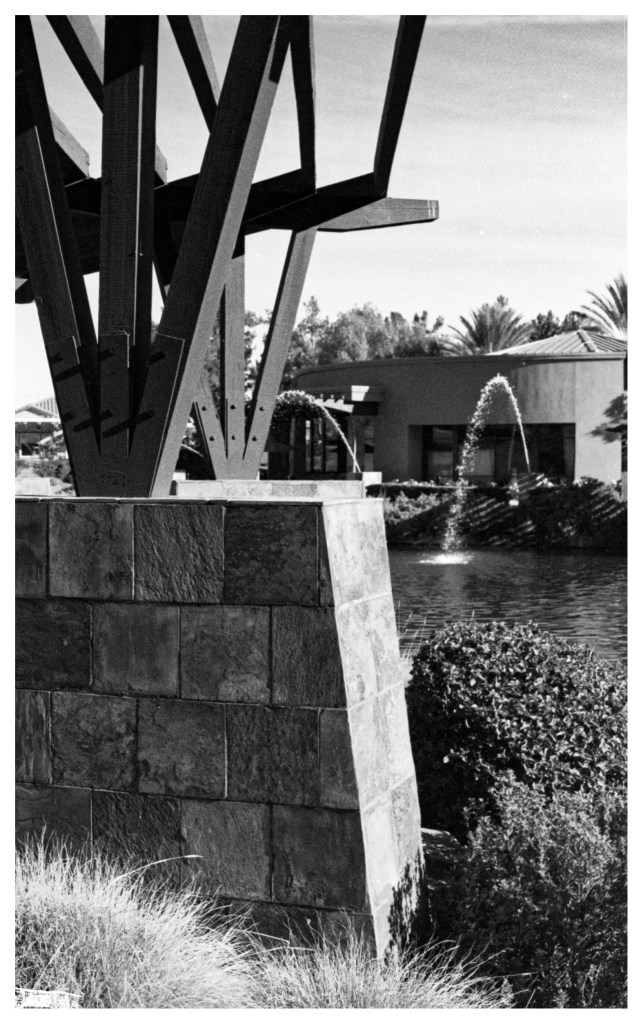
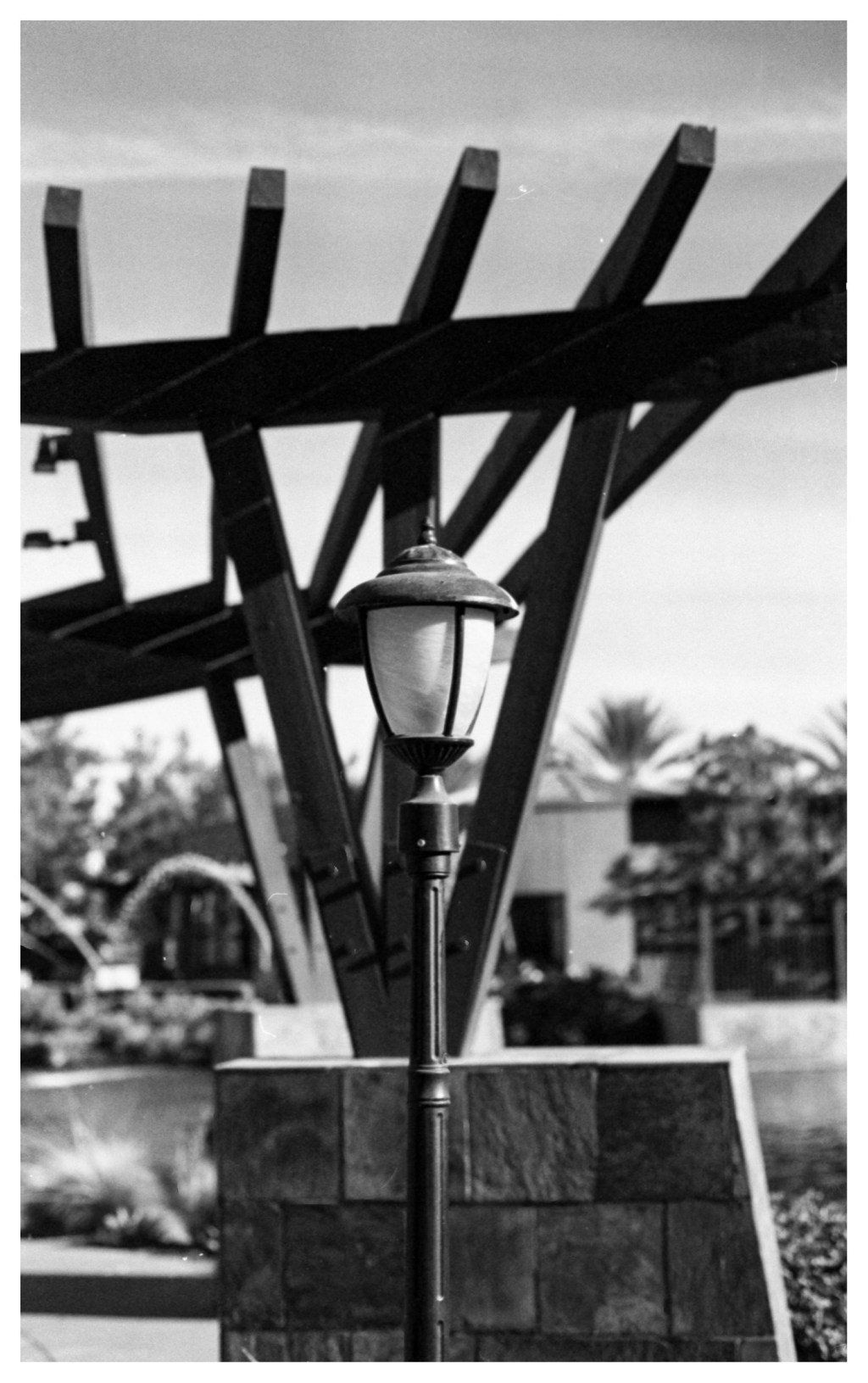
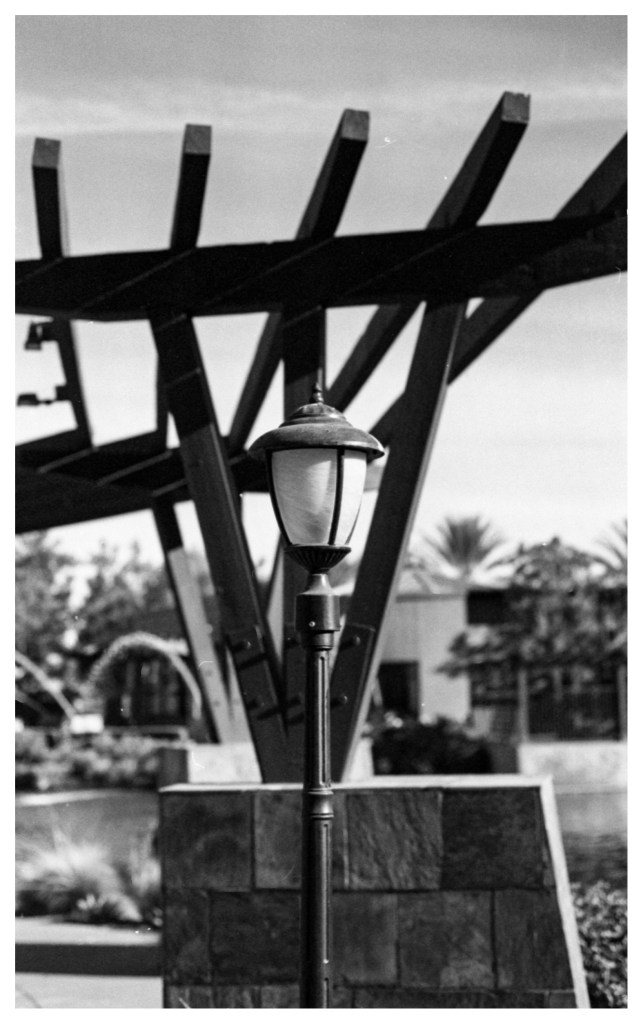
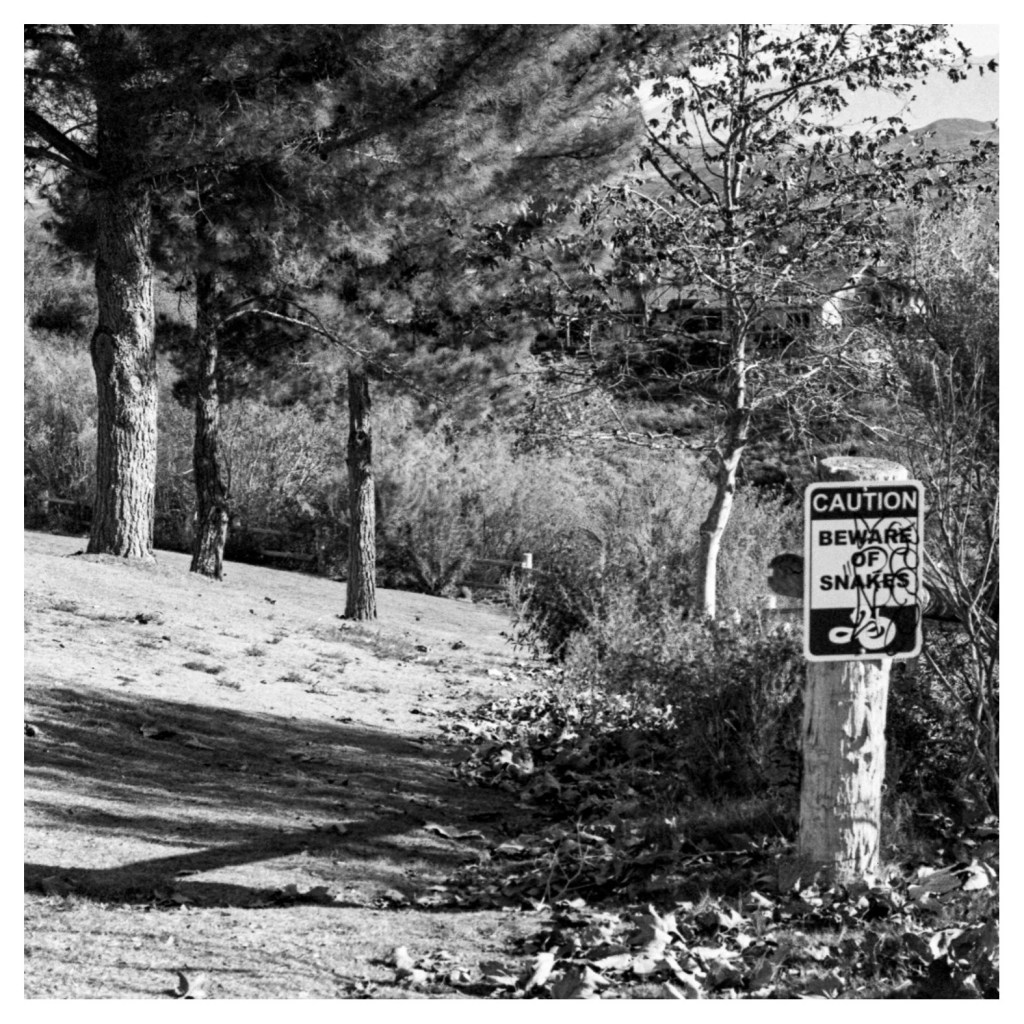
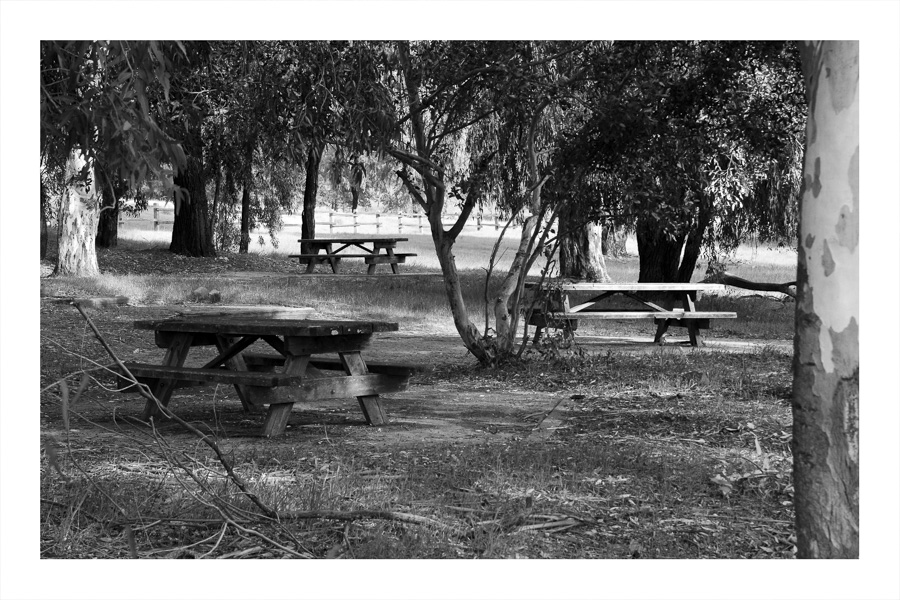
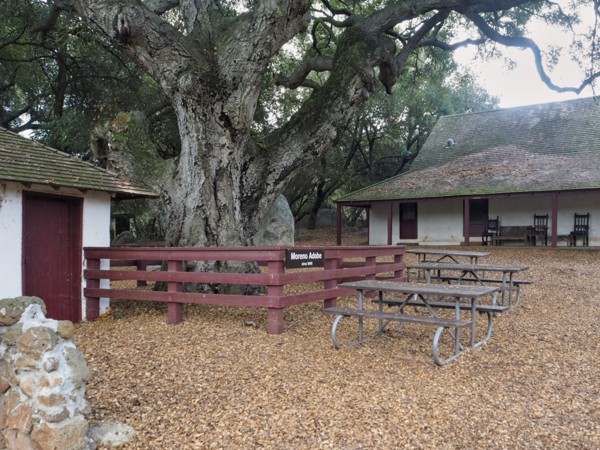
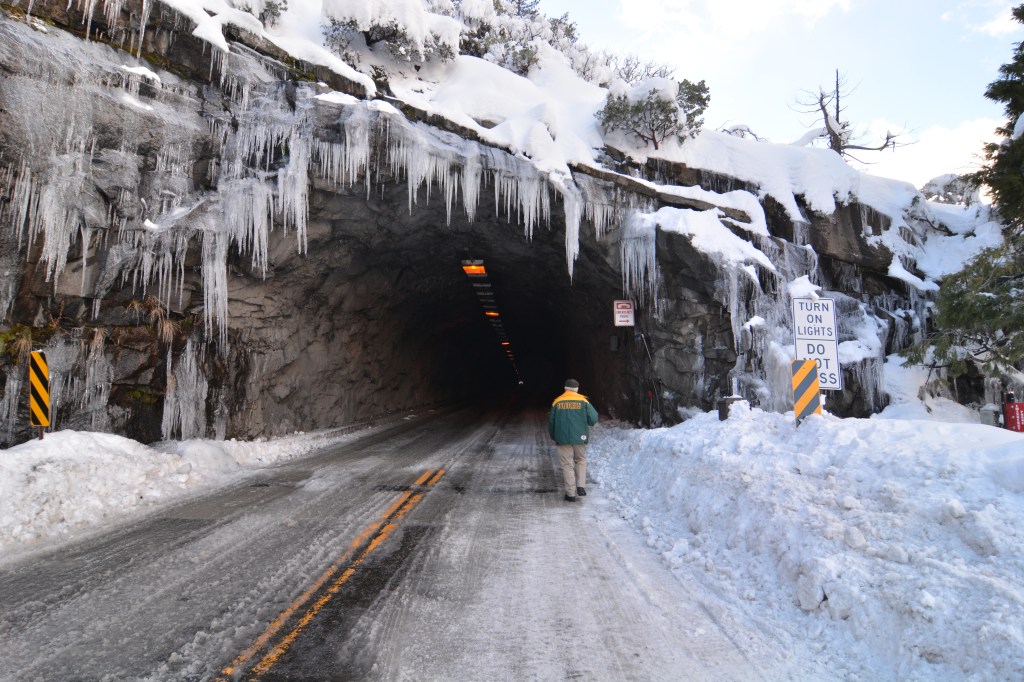
As you look at the frames I selected look for the results of my intention. How did I do? Did I focus on line and form, contrast and texture? Leave me a comment, I’d love to hear from you.
I’m a bit infatuated wth black and white photography. A perusal of this blog will show I return to the subject often, sometimes using classic or antique cameras. In January, 2021 I pointed my camera to a statue of Rosie the Riveter at History San Jose. Before I pushed the shutter I knew the photo had to be black and white. You can read about it here: https://historywithdave.org/2021/01/27/rosie-monuments-and-the-right-color/
If you like what you see and read, why not subscribe? You’ll get a notice in your inbox when I post about photography and travel, you’ll also get a note when I post my latest session of History with Dave, a community talk I give about something from the past that seems salient for our times.
 Talkin' about the past, photographing the present